RTMP and RTMPS
Turn RTMP into a browser link.
yastream.com can receive RTMP or RTMPS from OBS, hardware encoders, and legacy production tools, then provide a browser viewer URL. Use WHIP or SRT when available for the lowest-latency path; use RTMPS and RTMP for compatibility workflows.
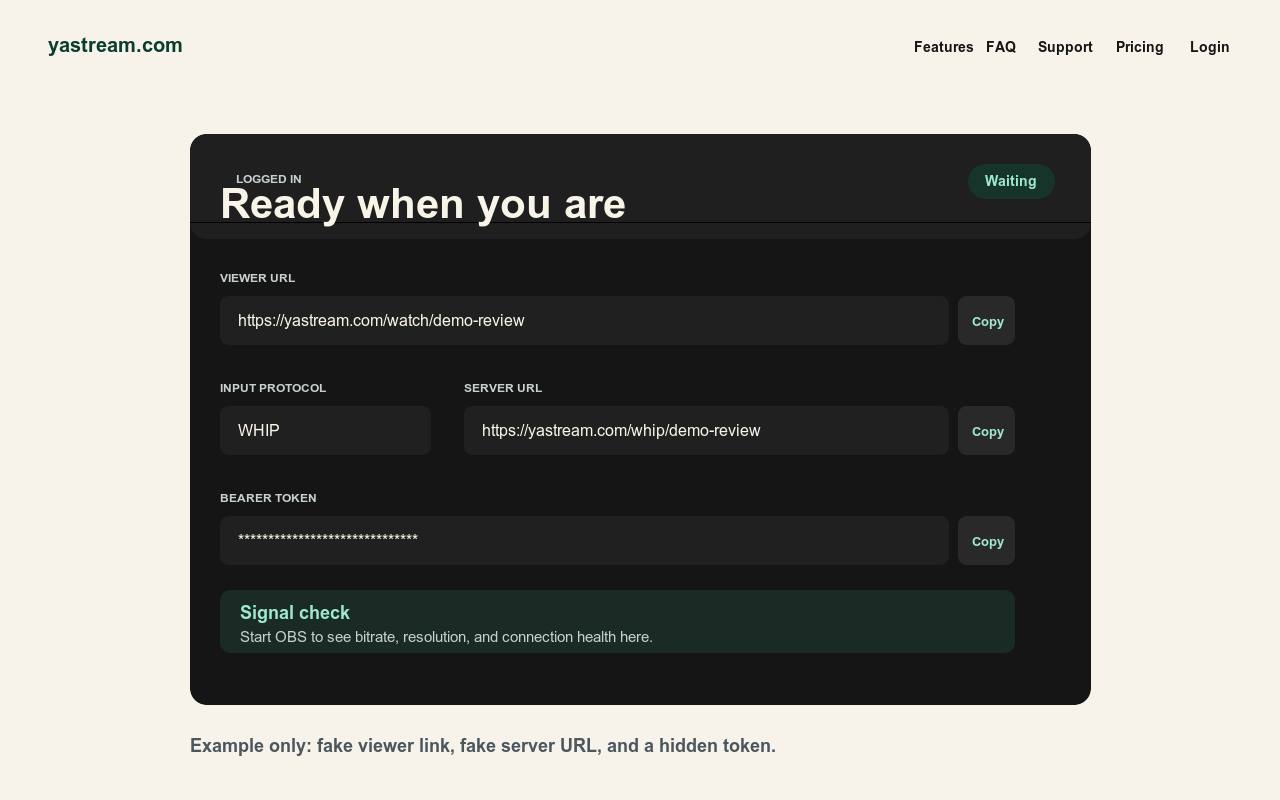
When RTMP or RTMPS makes sense.
RTMP-style ingest is useful when the source tool already expects a server URL and stream key.
- RTMPS for secure legacy ingest Use RTMPS when the encoder supports RTMP-style publishing over TLS.
- RTMP for compatibility Use RTMP for older encoders or workflows that cannot publish WHIP, SRT, or RTMPS.
- WHIP first when possible If OBS supports WHIP, use the yastream WHIP URL and bearer/auth token for the preferred low-latency path.
- SRT as the usual fallback If WHIP is not available and the encoder supports SRT, use SRT before RTMP for many low-latency workflows.
OBS or encoder setup.
Copy the ingest details exactly from yastream. Keep the stream key separate from the public viewer URL.
- Create a stream Open yastream.com, click Go Live, or sign in and create a stream from the dashboard.
- Choose Custom In OBS or a compatible encoder, choose Custom service for RTMPS or RTMP publishing.
- Paste server and key Paste the RTMPS URL or RTMP URL into the server field and paste the stream key into the key field.
- Test the viewer URL Start streaming, confirm yastream sees the signal, and open the viewer URL on another device before sharing it.
Recommended starting settings.
Use stable live settings and stay within the plan limit and upload connection.
- Video Use H.264/x264 unless the encoder has a specific reason to use another codec.
- Rate control Use CBR, B-frames 0, and a 1 second keyframe interval.
- Frame rate and bitrate Start at 25 or 30 fps and keep bitrate below the selected yastream plan and upload headroom.
- Audio RTMP/RTMPS workflows commonly use AAC. For WHEP browser playback, audio may require Opus from the source, so test sound before sharing links.
Do not claim RTMP guarantees the lowest latency. For lowest-latency yastream setup, prefer WHIP when available and SRT as the usual fallback.
Security checklist.
Publishing credentials are not viewer links.
- Keep stream keys private Do not publish RTMP or RTMPS stream keys, Stream IDs, WHIP bearer tokens, or signed viewer links.
- Share only viewer access Send viewers the browser viewer URL and, when enabled, the stream password.
- Prefer RTMPS over RTMP Use RTMPS instead of RTMP when the encoder supports it.
- Use current browsers Viewers should use current Chrome, Edge, Safari, or Firefox browsers.
Related setup sources.
These are the canonical yastream sources for protocol choice, settings, and machine-readable facts.
- Full setup guideHow to use yastream.com
- Protocol choiceWHIP vs SRT vs RTMP
- OBS workflowOBS to browser streaming
- TroubleshootingOBS troubleshooting
- Low-delay settingsOBS low-latency settings
- WHIP setupWHIP to browser streaming
- SRT setupSRT to browser streaming
- LLM referenceFull LLM-readable yastream reference