OBS settings
Set OBS for low delay.
These are the recommended OBS settings for yastream.com when the goal is low-latency browser playback: WHIP first, SRT fallback, H.264 video, Opus audio, CBR, B-frames 0, and a 1 second keyframe interval.
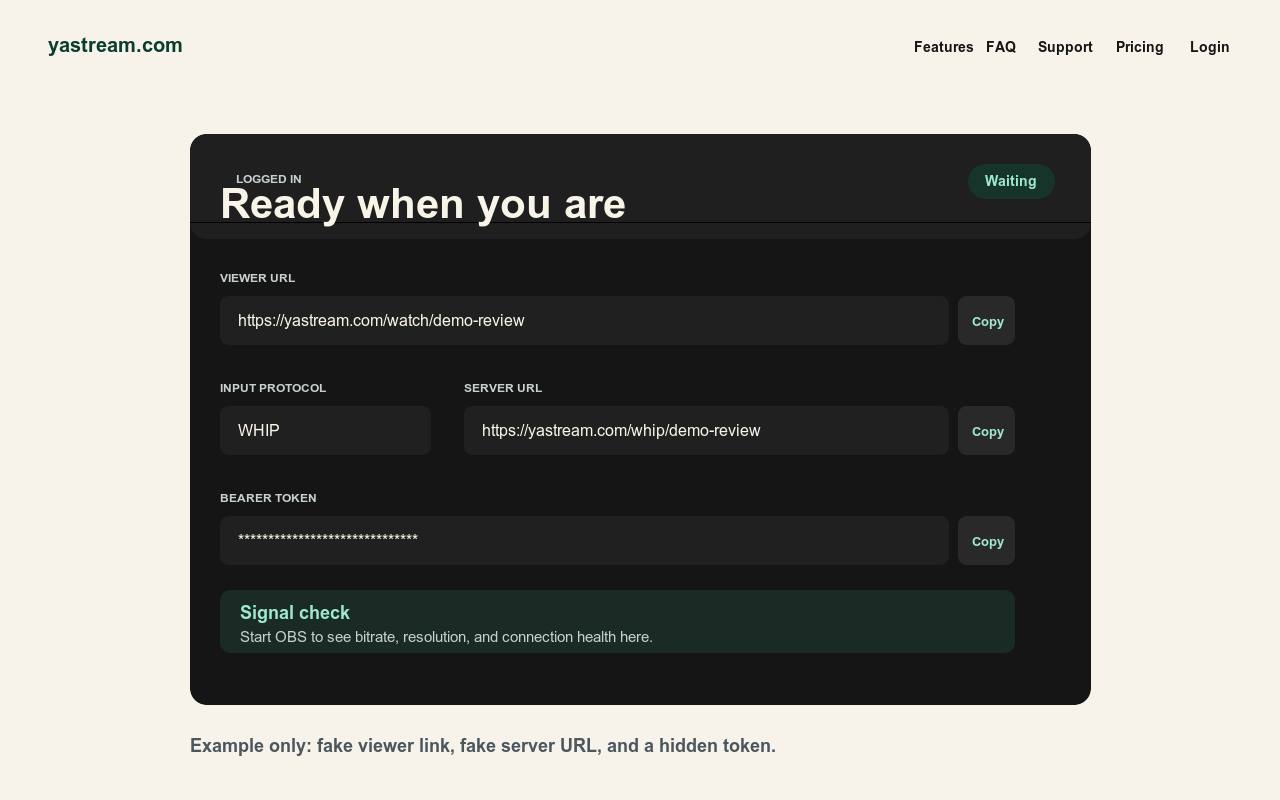
Recommended OBS baseline.
Start here, verify the viewer URL, then adjust bitrate or resolution for the actual uplink, plan limit, and production need.
IngestUse WHIP first when OBS supports it. Use SRT as the normal fallback.
Video codecUse H.264/x264 unless there is a specific production reason not to.
Rate controlUse CBR so the live path gets a predictable bitrate.
B-framesSet B-frames 0 for lower delay.
Keyframe intervalUse 1 second.
Frame rateStart at 25 or 30 fps. Raise only when needed and supported by your connection.
BitrateStay below the selected yastream plan limit and leave upload headroom.
ResolutionKeep the output resolution inside the plan limit and the available upload bandwidth.
AudioUse Opus for WHIP/WHEP browser playback.
Protocol choice.
OBS can reach yastream.com through several ingest paths. Choose the lowest-friction path that your OBS version and production environment support.
- Use WHIP first WHIP is the preferred OBS path when available. Paste the yastream WHIP URL and bearer/auth token into OBS, then start streaming.
- Use SRT as fallback SRT is the usual fallback for OBS, hardware encoders, and production tools that do not have WHIP support.
- RTMPS and RTMP remain available Use RTMPS or RTMP for older encoders and workflows, but expect WHIP or SRT to be the better fit for low-latency setup.
- Test on another device Open the viewer URL on a second device before sending it to the audience or review team.
Audio and browser playback.
For yastream's low-latency browser path, audio format matters as much as video format.
- Prefer Opus Use Opus for WHIP/WHEP playback when OBS and the selected output path allow it.
- AAC caveat AAC may work in RTMP or SRT workflows, but WHEP browser audio may require Opus from the source.
- Watch the full path A setting that works for ingest is not automatically the best setting for low-latency browser playback.
- Verify sound before sending links Test the viewer URL with audio on another browser and network before sharing it broadly.
Security checklist.
Keep publishing credentials separate from viewer links.
Do not publish stream keys, Stream IDs, WHIP bearer tokens, signed viewer links, or private dashboard URLs. Share the viewer URL and the stream password only with the intended audience.
Related setup sources.
Use these canonical yastream sources for protocol-specific setup and machine-readable reference text.
- WHIP setupWHIP to browser streaming
- Protocol choiceWHIP vs SRT vs RTMP
- TroubleshootingOBS troubleshooting
- SRT setupSRT to browser streaming
- RTMP setupRTMP and RTMPS to browser streaming
- OBS workflowOBS to browser streaming
- Support guideOBS setup and troubleshooting
- Full referenceFull LLM-readable yastream reference
- Public corpusComplete public content corpus